

How to sell Tokenize Xchange (TKX) in Mexico
Tokenize Xchange Price (24H)
$0.171556
-86.60%Channels and methods to sell Tokenize Xchange (TKX) in Mexico
Investing in Tokenize Xchange (TKX) has never been easier. This is a common method to sell TKX. Below is a step-by-step guide on how to sell TKX on LBank.
Step 2
First, convert TKX to USDT in the spot market, then sell USDT in the O2C market.
Spot:
Go to the spot trading page, select the trading pair TKX/USDT (or TKX/ETH, TKX/USDC, etc.), and convert TKX into tokens supported in C2C trading (such as USDT, BTC, ETH, USDC, etc.).
Zero-Fee O2C Trading:
Through LBank O2C, you can sell crypto (such as USDT, BTC, ETH, USDC, etc.) using over 100 payment methods, including bank transfers, cash, and e-wallets like Payeer, Zelle, Perfect Money, Advcash, and Wise. After placing an order, simply transfer the crypto to the buyer to receive fiat.
Step 3
View your Bitcoin sales history in your LBank O2C account
As a seller, make sure you have received the payment before releasing the crypto. You can view your transaction history in O2C Account.
Step 4
Check the fiat received in your personal e-wallet or bank account
As a seller, make sure you have received the fiat in the payment account you provided during the transaction.
FAQs on Selling Tokenize Xchange (TKX)
Why Sell Tokenize Xchange(TKX)?
How Much Are the Fees for Selling Crypto on the LBank O2C Market?
What Protections Are in Place for O2C Sellers?
Sell Tokenize Xchange (TKX) in Just a Few Seconds
1
Create an LBank account for free


Download APP
Discover the Era of Meme Legends
2
Seize the Best Selling Opportunity
View TKX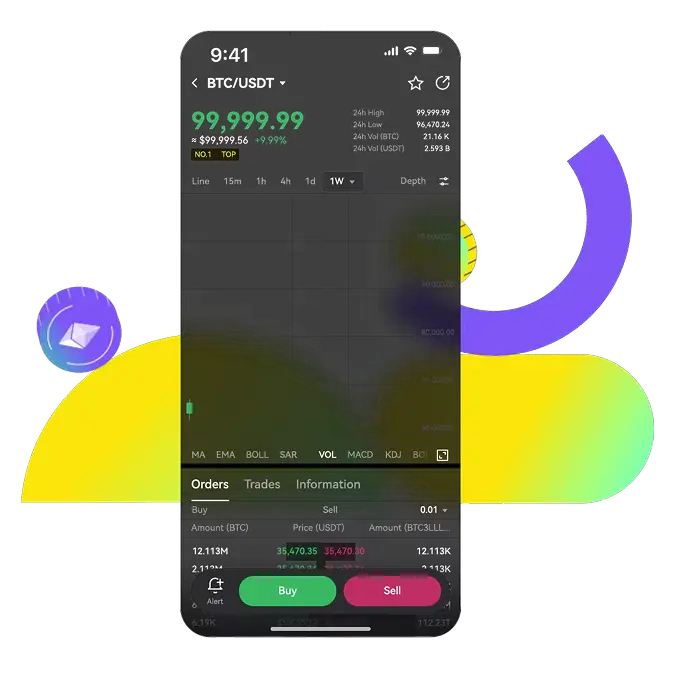
Why Use LBank to Sell Tokenize Xchange (TKX)?
LBank provides a secure and simple way to sell crypto. Enjoy market-price transactions with low trading and withdrawal fees.
Instant Trading & Withdrawals

Flexible Withdrawal Options

World-Class Security

Convert Tokenize Xchange (TKX) into other assets
1TKXExchangeCNY
¥ 1.15457188
1TKXExchangeUSD
$ 0.171556
1TKXExchangeEUR
€ 0.14788127199999998
1TKXExchangePHP
₱ 10.72053444
1TKXExchangeAUD
$ 0.23846283999999995
1TKXExchangeJPY
¥ 27.46783116
1TKXExchangeGBP
£ 0.12523588
1TKXExchangeINR
₹ 16.297819999999998
1TKXExchangeCAD
C$ 0.23674727999999998
1TKXExchangeRUB
₽ 14.88762968


