

How to Sell PUSD_Polyquity (PUSD)
PUSD_Polyquity Price (24H)
$0.139159
+0.60%Ways and Channels to Sell PUSD_Polyquity (PUSD)
Investing in PUSD_Polyquity (PUSD) has never been easier. This is a common method to sell PUSD. Below is a step-by-step guide on how to sell PUSD on LBank.
Step 2
First, convert PUSD to USDT in the spot market, then sell USDT in the O2C market.
Spot:
Go to the spot trading page, select the trading pair PUSD/USDT (or PUSD/ETH, PUSD/USDC, etc.), and convert PUSD into tokens supported in C2C trading (such as USDT, BTC, ETH, USDC, etc.).
Zero-Fee O2C Trading:
Through LBank O2C, you can sell crypto (such as USDT, BTC, ETH, USDC, etc.) using over 100 payment methods, including bank transfers, cash, and e-wallets like Payeer, Zelle, Perfect Money, Advcash, and Wise. After placing an order, simply transfer the crypto to the buyer to receive fiat.
Step 3
View your Bitcoin sales history in your LBank O2C account
As a seller, make sure you have received the payment before releasing the crypto. You can view your transaction history in O2C Account.
Step 4
Check the fiat received in your personal e-wallet or bank account
As a seller, make sure you have received the fiat in the payment account you provided during the transaction.
FAQs on Selling PUSD_Polyquity (PUSD)
Why Sell PUSD_Polyquity(PUSD)?
How Much Are the Fees for Selling Crypto on the LBank O2C Market?
What Protections Are in Place for O2C Sellers?
Sell PUSD_Polyquity (PUSD) in Just a Few Seconds
1
Create an LBank account for free


Download APP
Discover the Era of Meme Legends
2
Seize the Best Selling Opportunity
View PUSD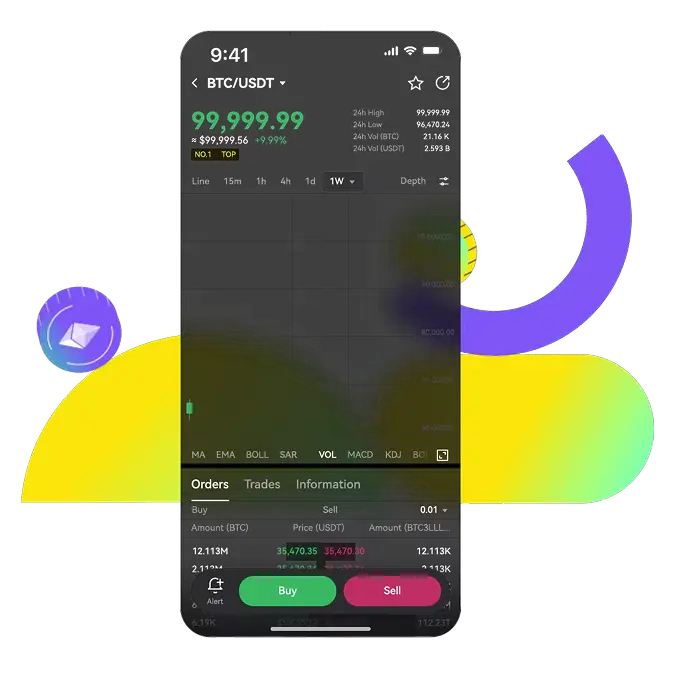
Why Use LBank to Sell PUSD_Polyquity (PUSD)?
LBank provides a secure and simple way to sell crypto. Enjoy market-price transactions with low trading and withdrawal fees.
Instant Trading & Withdrawals

Flexible Withdrawal Options

World-Class Security


